
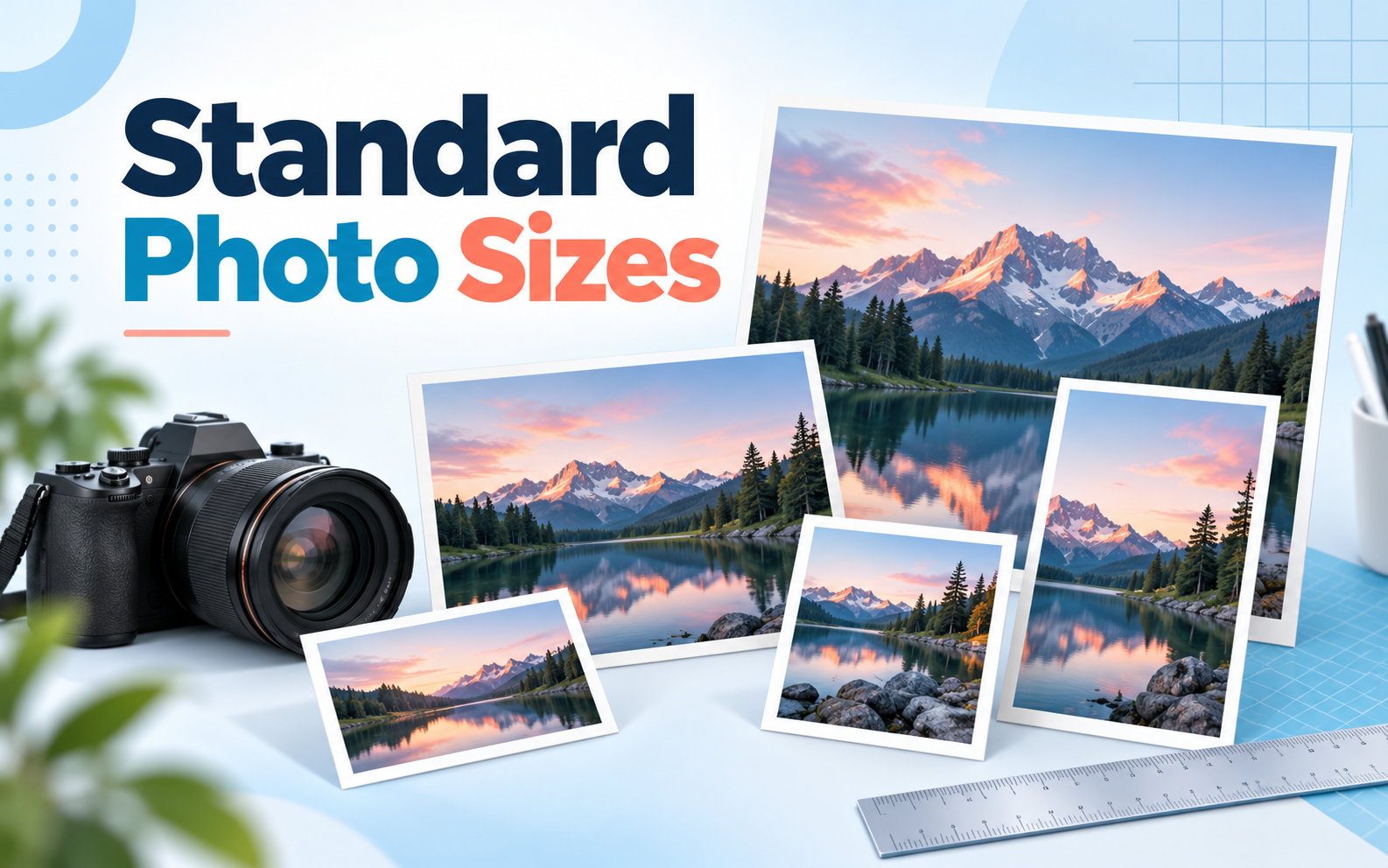
The normal picture size for everyday prints is 4×6 inches, the most common choice worldwide. This typical picture size matches 35 mm film and many 3:2 cameras, although phones often capture 4:3 images. A digital photo is usually a JPG image or another raster image format. To choose the best photo size, consider dimensions, source pixels, aspect ratio, and viewing distance.
Standard photo print sizes and pixel dimensions
The phrase “photo sizes examples” usually points to a reference chart. These high-quality close-view targets use 300 PPI (pixels per inch): required pixels = inches × PPI.
| Print size (inches) | Aspect ratio | Ideal pixels (at 300 PPI) | Primary best use |
| 4×6 | 3:2 | 1200×1800 | Albums and everyday prints |
| 5×7 | 7:5 | 1500×2100 | Desk frames, cards, and gifts |
| 8×10 | 5:4 | 2400×3000 | Portraits and formal displays |
| 11×14 | 14:11 | 3300×4200 | Accent walls and grouped frames |
| 16×20 | 5:4 | 4800×6000 | Statement wall art |
| 24×36 | 3:2 | 7200×10800 | Posters and large landscapes |
Every size works in either orientation. Borderless printing, mats, and frame lips may hide an edge. DPI measures printer dots; PPI measures image pixels per printed inch. PNG files preserve transparency, while the TIFF format is common in print workflows.
Small photo sizes (tabletop and albums)
4×6 inches: the universal everyday standard
Among common picture sizes, 4×6 suits albums, scrapbooks, and frames. A 3:2 file fills it without composition cropping, apart from possible borderless overscan.
5×7 inches: greeting cards and desk displays
A 5×7 print suits tabletop portraits, wedding invitations, and gifts. Its 7:5 ratio means a centered 3:2 crop removes 6.7% in total, about 3.3% from each end of the long dimension.
Medium photo sizes (wall art and portrait frames)
8×10 inches: the professional portrait classic
The 5:4 shape of an 8×10 suits school photographs, studio portraits, and gallery mats. It crops a 3:2 source noticeably, so preview important details.
11×14 inches: balanced accent wall displays
An 11×14 print balances hallway or gallery-wall groupings. Its 14:11 ratio needs a different crop from either 3:2 or 5:4.
Large photo sizes (posters and canvas prints)
16×20 inches: statement living room displays
This 5:4 format gives portraits impact above a sofa or fireplace. A 3:2 source needs the same proportional crop as an 8×10.
24×36 inches: gallery posters and wide landscapes
The 3:2 ratio preserves matching landscapes. At 300 PPI, 24×36 needs 7200×10800 pixels; at poster distance, 150 PPI and 3600×5400 pixels often suffice.
International photo sizes: ISO A-series (A4, A3, A2)
ISO 216 defines paper, not universal photograph sizes in inches. Its 1:√2 ratio may require cropping or borders for a 3:2 image.
- A6: 105×148 mm (about 4.13×5.83 in), a common international postcard format.
- A4: 210×297 mm (about 8.27×11.69 in), used for office documents and photo output.
- A3: 297×420 mm (about 11.69×16.54 in), suitable for a medium poster.
- A2: 420×594 mm (about 16.54×23.39 in), suitable for a large wall display.
Standard photo sizes for digital screens and web
- 1080×1080 px (1:1): square social post.
- 1080×1350 px (4:5): portrait social feed.
- 1920×1080 px (16:9): Full HD display, wallpaper, or presentation.
- 3840×2160 px (16:9): 4K UHD display or presentation.
Responsive websites have no universal image size; use pixels and aspect ratio instead of PPI metadata. Vector graphics scale differently from bitmap images.
The aspect ratio cropping trap and viewing distance PPI rule
The aspect ratio cropping trap (why heads get cut off)
Cropping a 3:2 image from 8×12 to 8×10 removes 16.7% of its long dimension and area in total. A centered crop takes about 8.3% from each end: the sides in landscape or top and bottom in portrait. Preview it, leave breathing room, add borders, or choose 8×12, 16×24, 20×30, or 24×36.
The viewing distance PPI formula (why big prints do not need 300 PPI)
Use about 300 PPI for handheld 4×6 and 5×7 prints at 12 inches. For 16×20 at three to four feet, 200 PPI is a safe target; 24×36 at six feet often looks crisp at 150 PPI. Detail, paper, lighting, and provider specifications still matter.
How to calculate resolution for any photo print size
- Choose the print width and height in inches and a target PPI.
- Multiply each dimension by that PPI. For 8×10 at 300 PPI, 8×300 = 2400 and 10×300 = 3000 pixels.
- Compare those targets with the file’s actual pixel dimensions.
For a reverse check, divide pixels by print inches to find effective PPI. Changing a resolution tag alone adds no detail.
Conclusion
Of all photo sizes in inches, 4×6 remains the everyday standard. Match ratio and pixel count to the output, and preview any crop. You can also convert photos to PDF when several finished images belong in one document.